


Today, I will walk through how to scrape the NYT Books API using Alteryx. NYT publishes bestseller list data via API, but it comes back as deeply nested JSON. This tutorial walks through unpacking it with Alteryx's JSON Parse tool without writing custom code.
First, go to https://developer.nytimes.com/get-started , create an API key, and save it to an Excel file. This website also has a lot of important information regarding documentation and steps. The API endpoint for NYT Books is api.nytimes.com/svc/books/v3/lists/overview.json.
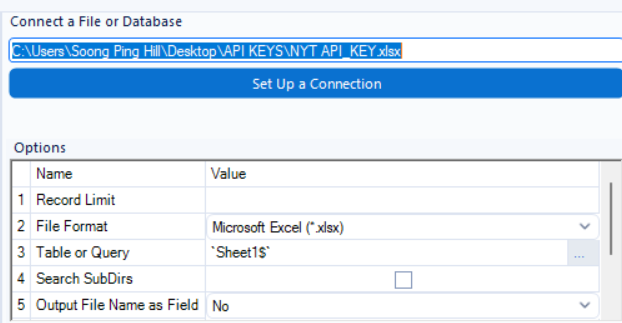
To begin, we open an Input Data tool and load our saved API key from the Excel file.
Following this, we use a Text Input tool and paste the API endpoint.

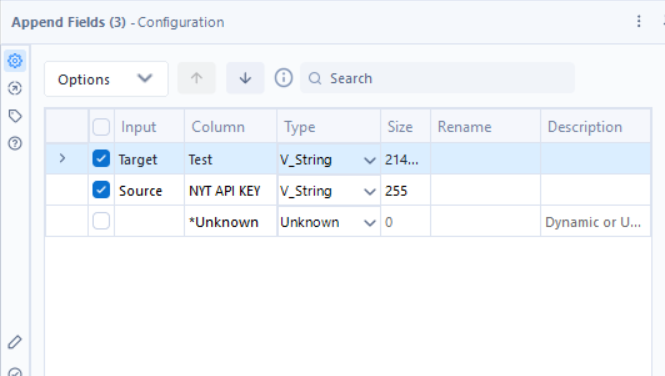
We then use the Append Fields tool to combine the two columns into the same table.

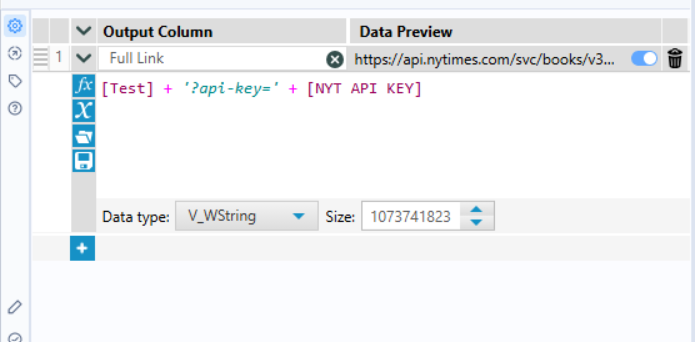
Next, we add a Formula tool, using the formula [Test] + '?api-key=' + [NYT API KEY]. This creates the Base URL with our API key, allowing us to access the data.
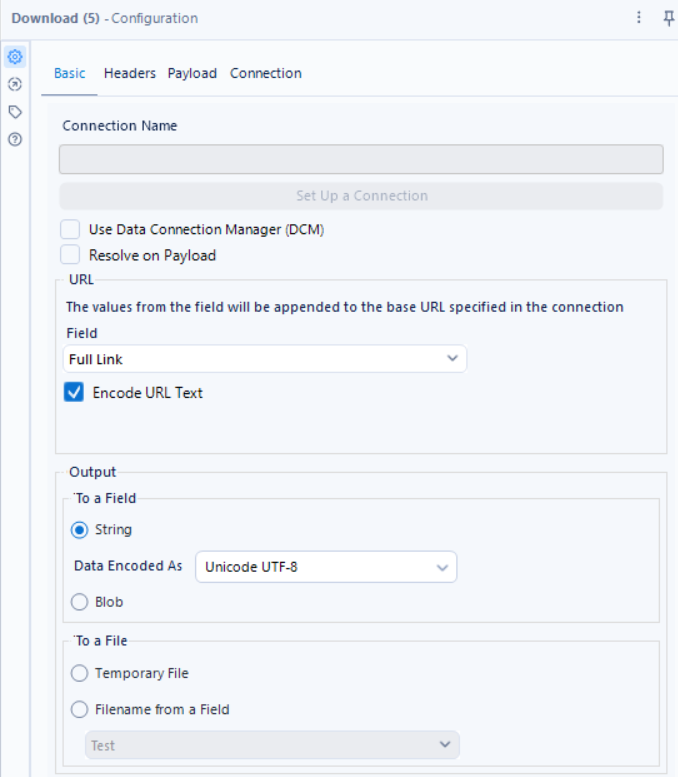
We then connect this to a Download Data tool with these configurations. After running this tool, the dataset should include the columns Full Link, DownloadData, and DownloadHeaders.
We follow this up with a Select tool, keeping only the DownloadData and DownloadHeaders columns, as the API key and full link are no longer necessary. The main part of connecting to the API is done; the rest of the workflow details how to parse the data, since it's currently stored as JSON. The next step is to connect this data to a JSON Parse tool, choosing "DownloadData" as the field and checking "Unnest JSON field."
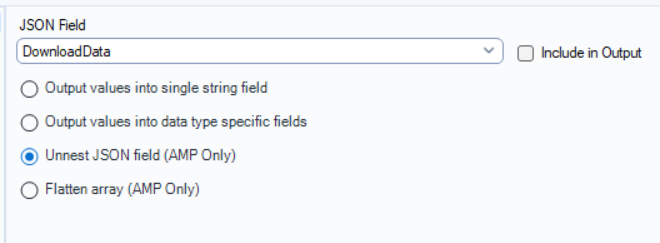
This adds the columns DownloadData.status, DownloadData.copyright, DownloadData.num_results, and DownloadData.results. To remove the "DownloadData" prefix, we connect this to a Dynamic Rename tool and apply the rename to the column names.
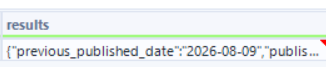
The column we want to continue parsing is "results," but it's still nested JSON, so we'll use another JSON parser. This adds additional columns, including results.published_date, results.bestsellers_date, results.list, etc. We again use a Dynamic Rename tool to strip the "results" prefix.
The data we want now lives in "list," but it's still unflattened, so we bring in a JSON Parse tool, but this time checking "Flatten array" to unflatten the column.
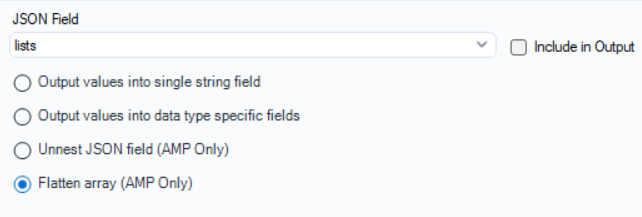
This adds a column: lists_flatten, which contains data such as:
{"display_name":"Combined Print & E-Book Fiction","list_name":"Combined Print & E-Book Fiction","list_name_encoded":"combined-print-and-e-book-fiction","normal_list_ends_at":15,"updated":"WEEKLY","list_id":704,"uri":"nyt://bestsellerslist/36d37fa6-b0ec-...
We connect this to another JSON Parse tool to unnest it, since the first pass only flattened the data. We again connect this to a Dynamic Rename tool, removing the "lists_flatten" prefix.
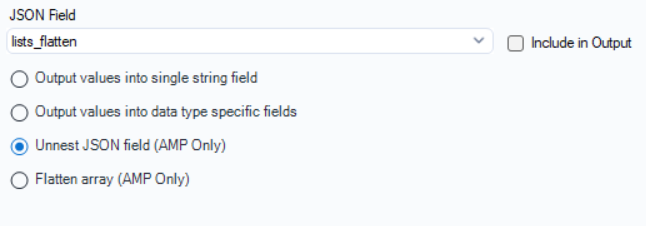
This gives us many new columns; some are fully unraveled, but the column we want, "books," is still nested.
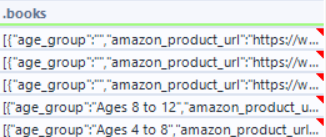
To flatten this, we connect it to JSON Parse and check the Flatten array. This unzips it once; however, as before, we still must unnest it from JSON.
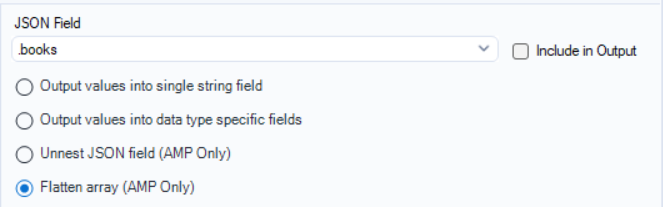
To do this, we connect this to another JSON Parse, but this time checking the Unnest JSON field.
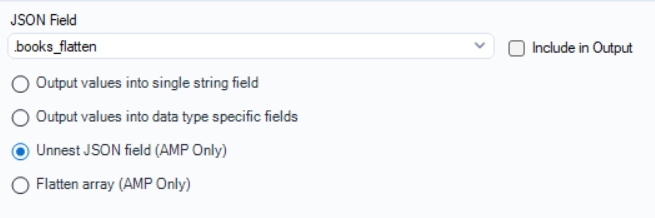
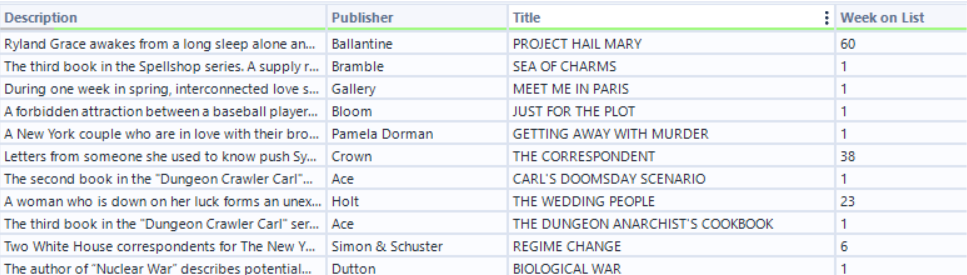
This finally provides us with the data we are looking for, including the title, Category, Author, Description, Publisher, Date of Bestseller, and number of weeks on the bestseller list.
This is a complete tutorial on using the NYT API to scrape Bestseller books and convert the JSON into a clean table with the desired fields. The full workflow image is below. I have also linked my Alteryx flow for download if you want to play around with it yourself.

Full Alteryx Workflow can be found here.