


Today I had the opportunity to build a dashboard in Tableau Next for the first time. Today was also my first time using Tableau Next. I did find the UI to be strangely similar to PowerBI but it still felt like using Tableau desktop.
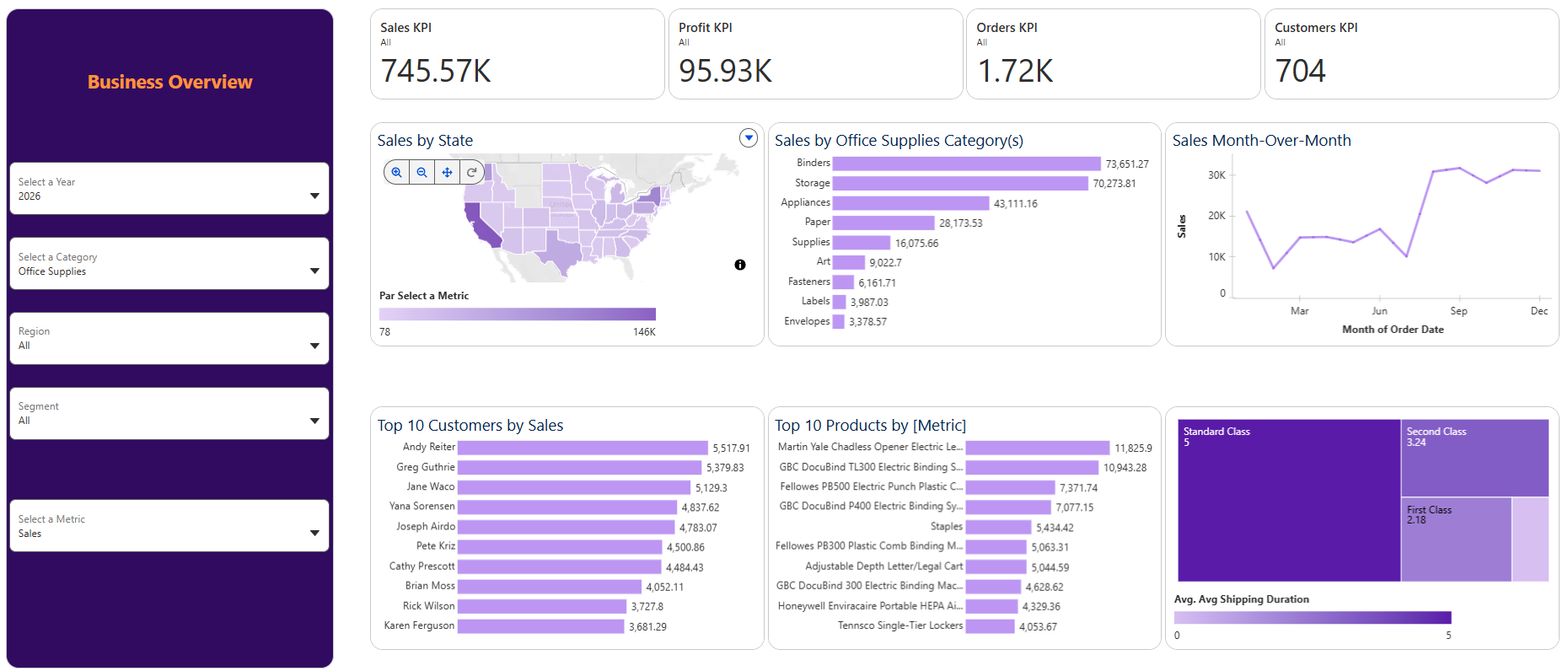
The goal for today’s dashboard was to re-create one of our business dashboards that we created in Tableau. It seemed simple enough until I started encountering all the fun little idiosyncrasies that come with using this tool. In the following paragraphs I will talk about some of the challenges I ran into, but, first, I’ve attached a screenshot of my finished product below.
Challenges
The first main challenge I encountered was creating KPIs. Unlike Tableau Desktop and Power BI you create your visuals and metrics in two different “environments.” This did throw me off, initially, because within the metric creation window it is not very clear on how you connect your KPI to filters you create for your other visuals especially since I wanted my KPIs to filter with the rest of my visualization on the dashboard. Unfortunately, I did not have time to figure out how to fix this. Additionally, for some of my KPIs I was able to receive prior year insights such as for Customers and Orders and for Profit and Sales I wouldn’t get any prior year data. Lastly, the KPIs are very text heavy which I’m not too big a fan of.
The next main challenge I ran into was testing parameters. Even though creating parameters is the same as in Tableau, you cannot test your parameters in your sheet. You have to add the visual to a dashboard then create a parameter widget to test. This is a very tedious process that I decided to circumvent by creating all my parameters first then testing them on my dashboard once it was built. Very risky because certain parameter selections didn’t work and this broke the dashboard.
Lastly, the need to constantly save and refresh really took up too much time. When I created my very first parameter then put one visual on a dashboard to test it, all my other visuals got deleted even though I saved them beforehand. Thus, I had to restart Tableau Next—always save your work when using this tool!
Altogether, this was an interesting experience and I would be interested in exploring more aspects of Tableau Next.