


Dashboard containers are a good way of making sure your dashboard stays organized and accurately reflects your dataset. While you may at first opt for floating containers due to the freedom they offer users, they can be difficult to maintain as your project evolves.
Floating vs Tiled containers: What's the actual difference?
A quick way of understanding the differences between floating and tiled containers is by thinking of your computer desktop. A floating container/object functions similarly to an item on your desktop that hasn't been aligned to a grid, while tiled containers lock into place and realign themselves almost exactly like the grid.
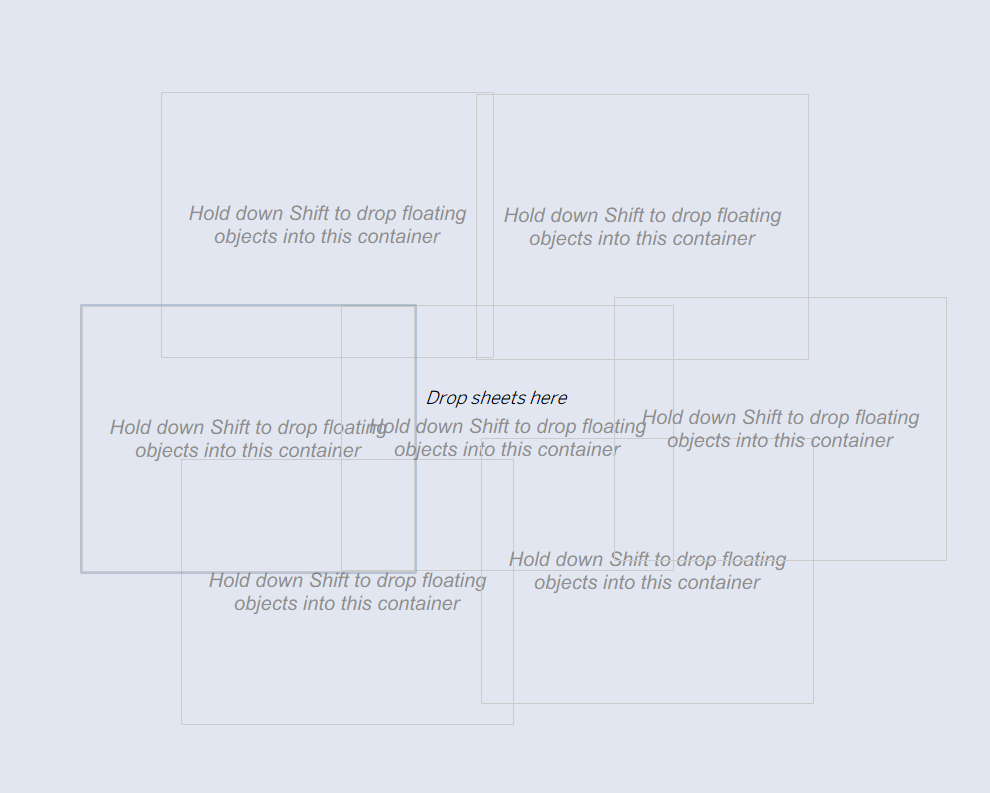
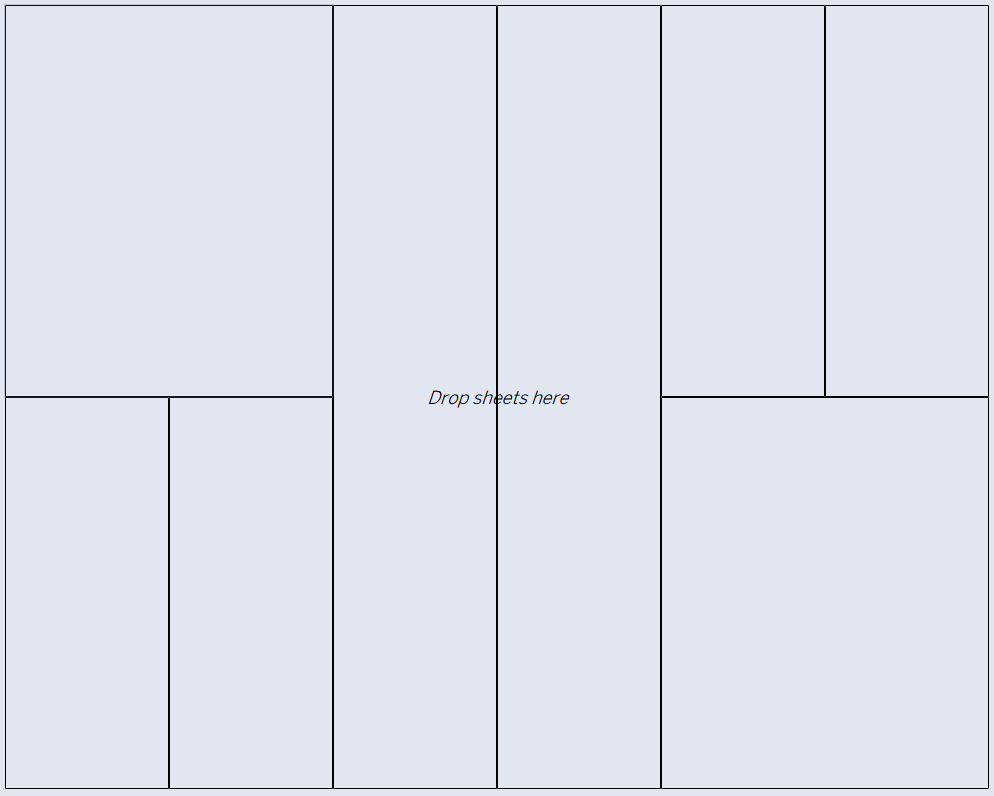
While floating containers allow you to layer and move objects around anywhere on your dashboard, tiled containers work together, changing automatically to accommodate other containers when they’re adjusted.
A floating container’s height and width will be set to whatever you manually resize it to and will operate independently from other containers, but a tiled container will resize itself in response to another tiled container changing in size. This makes it easier to keep your containers organized and lined up symmetrically.
A major issue with floating containers is that because they can only be resized manually, if you adjust your canvas size, floating containers will spread out around the canvas and will not adjust their size to reflect the proportions of the new canvas size, while tiled containers will.
Keep in mind...
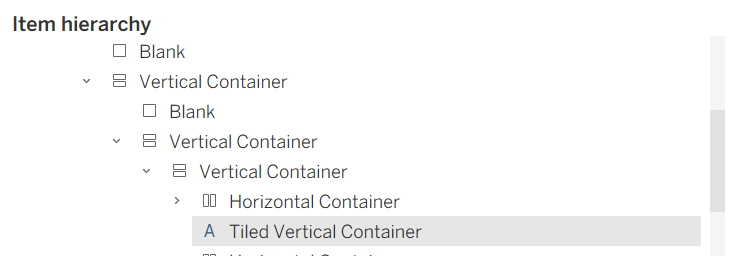
Make sure that when you check your format pane, all of your containers are listed as "Horizontal Container” or “Vertical Container,” not “Tiled.” Although these containers are technically tiled, the “Tiled” label in the formatting pane means that if you resize your canvas, your containers will resize based on the padding, which can make your content on the dashboard get squished and make it more difficult to resize. To prevent the “Tiled” label, make the first container on a dashboard a floating container that is the same size as and covers the entire canvas. Then, build the rest of your dashboard in tiled containers inside of the single floating container. This should keep your dashboard organized and easily adjustable!
Happy dashboarding!