


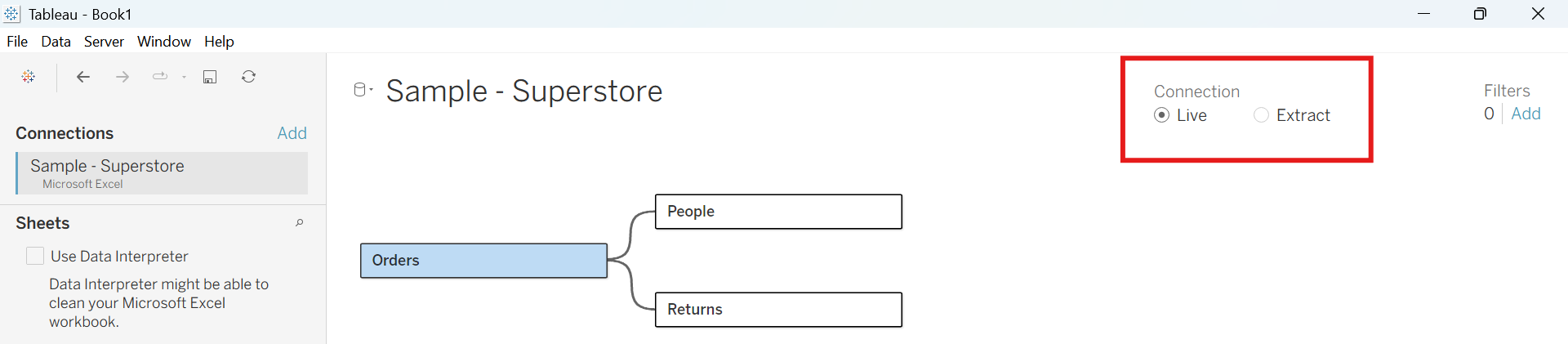
When you start a workbook in Tableau Desktop, the first step is connecting to a data source. From this you can perform analysis and the data can be used. However, with large databases that are frequently updating you must decide how to make this connection. There are two options here – you can either connect to the live data or to an extract of it. To switch between the two in Tableau, there is a Connection option on the Data Source page.
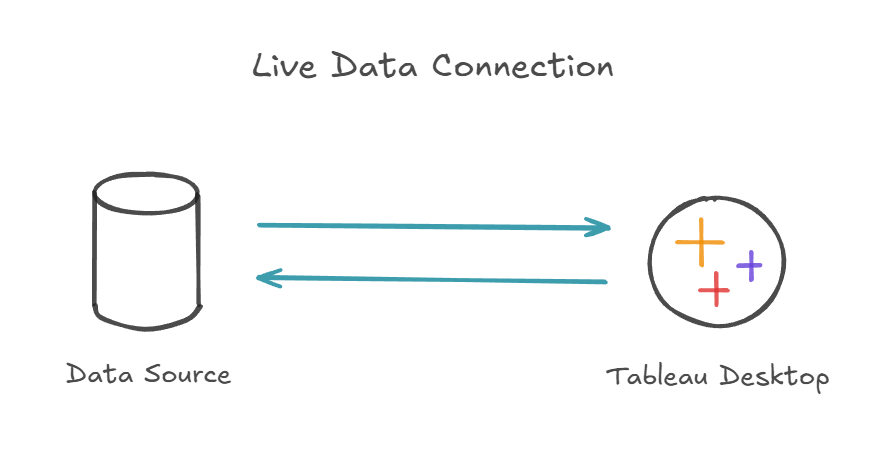
Live Data
Live Data is a direct connection to a file or server, that updates every time a workbook is opened. It maintains a direct connection to the database, which means that the data is always current, but is dependent on source speed.
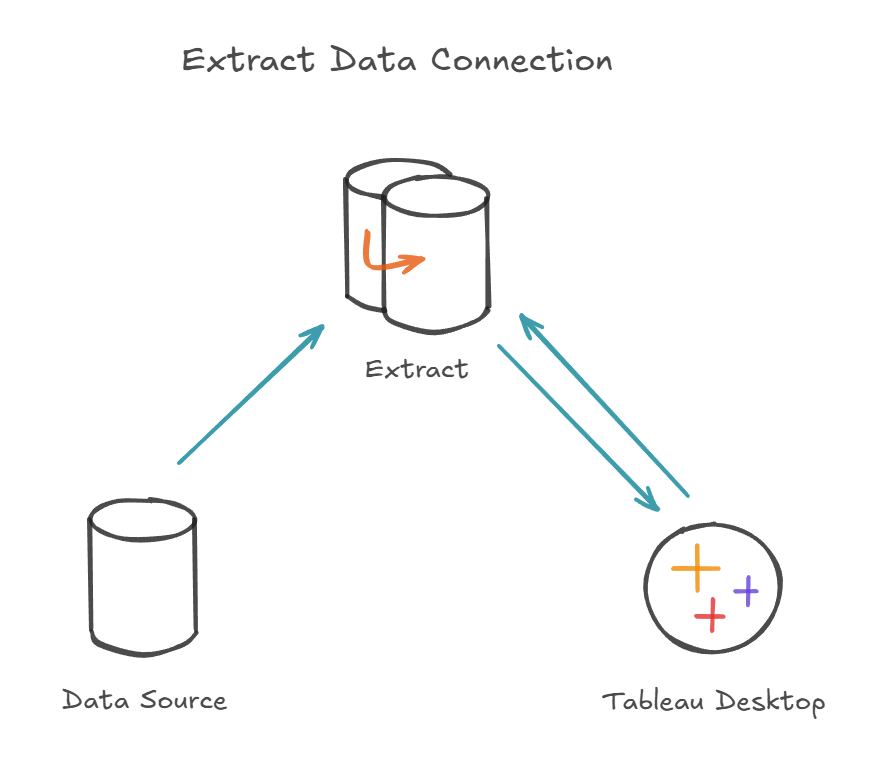
Extract Data
Extract Data is a static snapshot of a database. This is great for fast, offline or complex analysis, but doesn’t automatically refresh as the data does. The static snapshot is embedded in the workbook, which means that it need to be periodically refreshed to keep it up to date.
Refreshing Extract Data can be done manually in Tableau, which will create a new static snapshot in the workbook. Alternatively refreshes can be scheduled in tableau, which will allow streamlined performance without losing the ability to display up to date data.
Now that you know the different options for connecting to data, you can open Tableau and start building your chats!